That Tiny Port On The Back Of Your TV? It Can Do Far More Than You Think
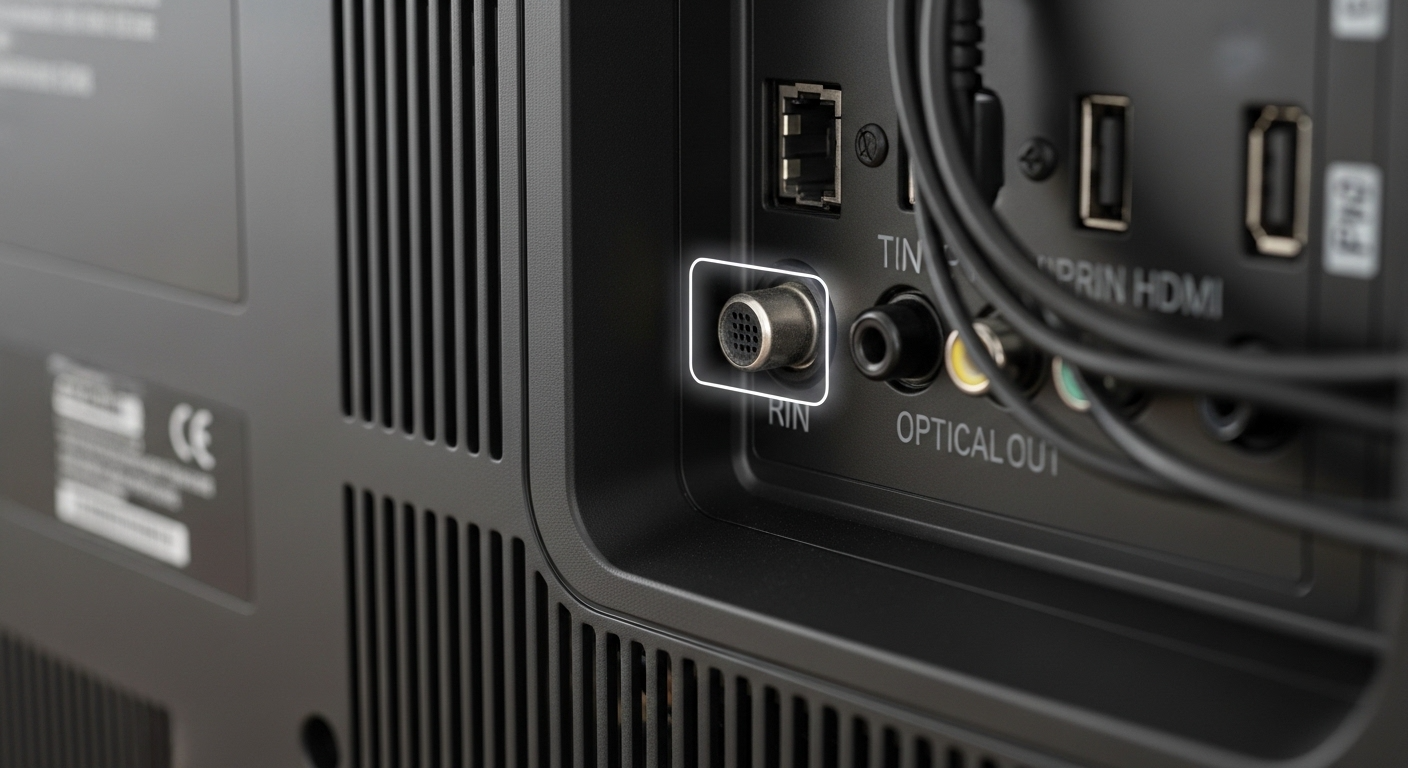
The dust behind the television swirls into the air as you pull the heavy screen away from the wall. A tangle of cables hangs like vines in a forgotten jungle: power cords, an HDMI cable or two, maybe an optical audio line if you have been adventurous. And then you see it. A small, almost unnoticeable slot labeled USB, glowing faintly or sitting there like a quiet secret. You have probably used it to charge a remote once or twice, or maybe never touched it at all. Yet that tiny unassuming port on the back of your TV can quietly transform the way you watch, listen, and even live with your screen.
Key Points
- The USB port on the back of your TV can play your own videos, music, and photos directly from a flash drive with no internet required
- Many modern TVs can use a USB drive to pause, record, and even schedule recordings of live broadcast television
- The port can power accessories like LED light strips, streaming sticks, and Bluetooth dongles, often switching them on and off automatically with the TV
- Some USB ports on TVs are specifically designed for firmware updates and diagnostics, which can rescue a TV that is stuck or frozen
- Not all USB ports on your TV provide the same amount of power, so testing which one handles more demanding devices is worth doing
- Most TVs only support certain file formats and file systems like FAT32 or exFAT, which can affect whether your files play correctly
- Content recorded from live TV onto a USB drive is usually encrypted to that specific television and cannot be played on a computer or other device
The Tiny Port With Big Personality
Most of us think of a TV as a one-way window. Content comes in through an app, a set-top box, or an antenna, and we sit back and watch. But the USB port changes that relationship. It turns your TV into something more like a companion device, one that can read, store, power, and sometimes even record.
Start with the most familiar trick: playing your own media. Imagine a rainy night, the kind that gently drums on the windows and seems to mute the outside world. You plug a humble flash drive into that USB port and suddenly your TV is not showing whatever the algorithm thinks you should see. It is showing what you chose: old family videos, downloaded movies, a folder full of vacation photos from five years ago that you have not looked at since.
The screen becomes a kind of campfire. Friends cluster around, laughing as you accidentally play the same clip twice. Your TV, which normally streams from distant servers, is now reading directly from something you can hold in your hand. No passwords, no buffering, no are-you-still-watching interruptions. Just a direct line between your memories and the screen.
And that is only the beginning.
Playing Your Own Media Library
For many TVs, the USB port turns the screen into a fully capable media player. Slot in a drive full of movies, music, or photos and your TV will typically offer a simple built-in browser to explore the contents. You scroll through folders and file names, tap on a video, and it opens full screen.
There is something deeply satisfying about watching a film you own, sitting safely on a tiny piece of plastic no bigger than your thumb, playing on a screen that fills your wall.
Depending on your TV’s age and brand, it may support a surprisingly wide variety of file formats. For video that includes MP4, MKV, AVI, and MOV, and sometimes even high-bitrate formats that streaming apps struggle with on a weak connection. For music you will commonly find support for MP3, AAC, and FLAC on more advanced models. Photos in JPEG and PNG can become slow gentle slideshows while quiet music plays alongside them.
The best part is that none of it requires internet. That makes your TV surprisingly resilient. When the Wi-Fi goes down or a streaming service removes your favorite film without warning, your USB drive sits there like a personal offline archive, completely immune to licensing deals and connection problems.
A Quiet Power Source With Smart Behavior
Then there is the simplest yet sneakiest ability of all: power. Many TV USB ports output enough electricity to run small devices including streaming sticks, LED light strips, and Bluetooth dongles.
Plug an LED backlight strip into the TV’s USB port and it turns on and off automatically with the screen. No extra remotes, no fiddling with wall adapters. When the TV wakes up, the lights bloom softly behind it. When you press power, both fade to black together.
That behavior is not just aesthetically pleasing. It is practical. Plug in a streaming stick and it will not draw power all day while the TV is off. Use it to charge Bluetooth headphones or a rechargeable remote and you can keep your whole entertainment setup powered without adding another cluster of wall plugs.
Not all ports are equal though. Some only offer 0.5A, enough for flash drives and light accessories, while others reach 1A or more and can handle more demanding devices. Checking which port on your specific TV handles heavier loads is worth doing early. On some models one port is labeled HDD or 1A, which signals it is the reliable choice for a plugged-in hard drive. Knowing this can spare you random disconnections and grinding noises from a disk struggling to spin up without enough power.
When Your TV Becomes A Personal Video Recorder
There is a particular kind of magic in pausing live television. A character freezes mid-sentence, the crowd at a match hangs in perpetual suspense, and reality politely waits for you to come back with your snack. For many modern TVs, all of that is made possible by the USB port.
Some sets can turn an attached USB drive into a makeshift DVR. You plug in a sufficiently large drive, the TV formats it in its own special way, and suddenly a Record or Pause option appears when watching broadcast channels. You are no longer just a passive viewer. You are bending time.
The doorbell rings mid-scene. One button tap and the show freezes while the recording continues quietly in the background, stacking up seconds and minutes onto the drive. You come back, press play, and pick up exactly where you left off.
On some TVs this even extends to scheduling recordings days in advance. The film that always airs too late to stay awake for? Set it to record and go to bed. The TV wakes itself up, captures the show, and tucks it onto your USB drive ready for you in the morning. No subscription boxes, no cloud accounts, just your TV and that tiny port doing everything quietly overnight.
There is a catch worth knowing about. Most manufacturers protect recorded content with digital locks. Files saved to your USB drive from live TV typically only play back on the same TV that recorded them. Move the drive to your computer and you will likely find mysterious unplayable data. In a way it feels like a secret handshake between you and your particular screen.
Firmware Updates And Rescuing A Stuck TV
If you look closely at the back of your television you might notice one USB port labeled Service or positioned somewhere deliberately hard to reach. This is the TV’s quiet backdoor, the route that technicians use to update firmware or run diagnostics.
In practice this means you can sometimes download a firmware file from the manufacturer’s website onto a USB drive, plug it into the TV, and guide it through an update yourself. The experience feels almost surgical: a plain blue screen, a progress bar, stern warnings not to pull the plug. Below the surface, thousands of tiny instructions are being rewritten, patching bugs, adding features, and improving compatibility with new apps and devices.
That same route can sometimes rescue a TV that is stuck in a boot loop or endlessly trying to update through the internet. A manual USB update can feel like bringing the television back to life when nothing else has worked.
Turning Your TV Into A Mood Machine
Connect a USB-driven light strip designed to mirror the colors on screen and suddenly your TV is not just a glowing rectangle. It becomes the center of an entire atmosphere. Flames from a movie fireplace seep across your wall in orange and red. Ocean blues ripple beyond the frame. A tense scene creeps into the corners of the room with faint pulsing shadows.
Even a simple single-color strip makes a real difference. That soft halo behind the screen reduces eye strain in a dark room and makes whites look brighter and blacks seem deeper, a subtle visual trick that draws you further into whatever you are watching. What used to be a cold flat device becomes something closer to a portal, edged in light, powered by a nearly invisible USB cable.
If you are practical rather than theatrical you can also plug in tiny USB fans, IR blasters, or Bluetooth transmitter dongles. That last option is particularly useful for older TVs with limited audio outputs. A small Bluetooth dongle in the USB port can quietly beam sound to your wireless headphones or speaker, giving a basic television an upgrade it was never designed to have.
Bringing Your Own Cinema To The Big Screen
The real appeal of the USB port is not technical. It is emotional. While streaming services curate and rotate their libraries, your USB drive is a stubborn little island of stability. Movies you have collected over the years, family videos copied from aging DVDs, a handful of home recordings or your cousin’s film school project: all of it can live on a small stick and appear on your TV screen whenever you want.
Picture a quiet Sunday afternoon with the blinds partially closed. Instead of scrolling endlessly through recommended titles, you plug in a drive with a folder simply labeled Old Stuff. Wedding clips. A shaky recording of your first apartment. Grainy footage from an early digital camera where everyone’s fashion choices are questionable in the best possible way.
As each video plays the TV stops being a device and becomes something closer to a memory projector. You lean forward recognizing wallpaper from a house you lived in years ago, hearing voices that sound younger and freer. The remote becomes a kind of time machine, and that tiny port is the key.
Limitations, Quirks, And Little Secrets
This quiet hero does have boundaries worth understanding before you hit a frustrating wall.
Some TVs are particular about file systems and may only recognize drives formatted in FAT32 or exFAT, rejecting anything formatted in NTFS. Others are fussy about video codecs. Even if the file extension looks familiar, like MKV or MP4, the internal encoding might be something the TV cannot handle, leaving you with a cryptic unsupported file message.
Power is another consideration. Expecting a low-output USB port to run a large portable hard drive and a powered dongle simultaneously can lead to random disconnections and clicking sounds from a drive that is not getting enough electricity to function properly. In those moments the port is gently reminding you that it is a helper, not a power strip.
Smart TVs can also be unpredictable after major firmware updates. A port that played certain files reliably last year might behave differently after an update changes which formats are accepted. Recording functionality, in some regions, has been curtailed over time due to evolving licensing rules.
But even with its quirks, the USB port remains the most approachable doorway on the television. Less intimidating than the labyrinth of app menus, more tangible than invisible Wi-Fi signals. You plug something in, you see what happens, and most of the time what happens is genuinely useful.
Rediscovering The Back Of Your TV
At some point you push the television back against the wall, dust wiped away, cables more or less tamed. But now when you look at that slim rectangular slot you do not see just the place you might charge something in a moment of desperation. You see a quiet capable accomplice.
It can turn a routine evening into a personalized cinema, convert a basic TV into a time-bending recorder, power gentle glows of light and whisper-quiet accessories, and rescue a frozen system with a simple firmware file. It houses your memories, your private collection, your favorite offline content, in a world that is increasingly built around subscriptions and always-on connections.
There is something genuinely comforting in that. In an era of complex ecosystems and invisible infrastructure, the USB port is almost old-fashioned in the best possible way. Plug in, see what is there, press play.
So the next time you find yourself sitting in the dark waiting for an app to update or a stream to buffer, remember that tiny rectangle hiding on the back of your TV. Inside that small opening is a world of possibility: your photos, your films, your lights, your devices, all just waiting for you to plug in.
Frequently Asked Questions
Can I use any USB drive with my TV?
Most TVs work fine with standard flash drives and many portable hard drives, but compatibility varies by model. Check your TV manual for supported file systems such as FAT32 or exFAT and any maximum drive size limits. If the TV asks to format the drive before use, back up your files first.
Why will my TV not play some video files from USB?
Your TV may not support the video codec or container format used in that particular file. Even if the file extension looks common, like MKV or MP4, the internal encoding might be incompatible with your TV’s media player. Converting the file to a more widely supported format usually resolves the issue.
Can I power a streaming stick from the TV’s USB port?
Often yes, especially on newer TVs, but not always. Some ports do not provide enough power, which causes restarts or sluggish performance. If that happens, use the streaming stick’s own power adapter plugged into the wall instead.
Is it safe to leave a USB drive plugged into the TV permanently?
Generally yes, but drives do wear out over time, especially if they are being written to continuously as part of a recording setup. For anything important, keep backups elsewhere and avoid unplugging the drive while the TV is actively accessing it.
Why can I not play TV recordings from my USB drive on a computer?
Most TVs encrypt recorded content to protect broadcast licensing, locking playback to that specific television. The files will appear on the drive when you connect it to a computer, but only the TV that created them can decode and play them back.
Read more health and wellness articles at wizemind.com.au